Preparing your workspace
Drivia Learn
Teach in the same place your students learn
Build a course, run it and see its student view before your class opens it.
What you do in Drivia Learn
Task 1 of 3
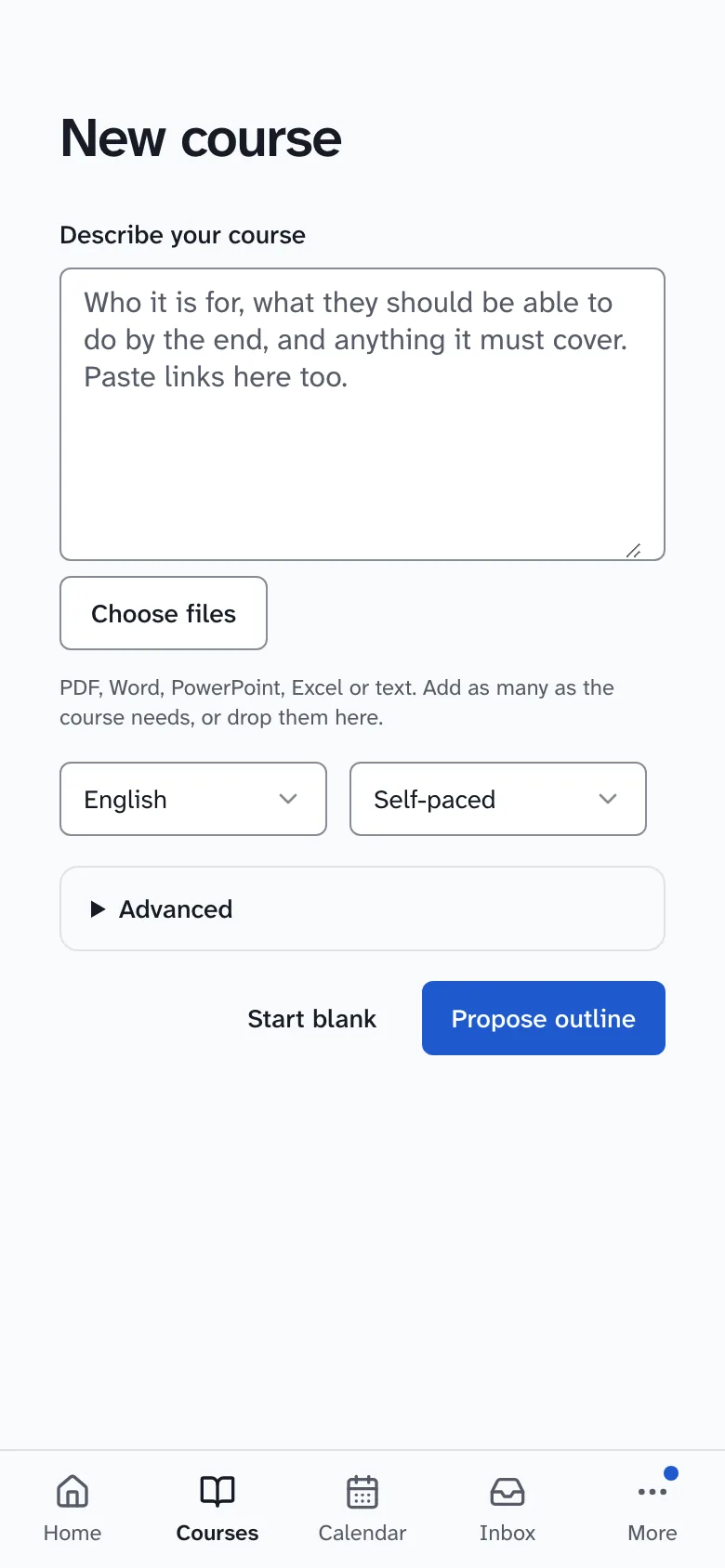
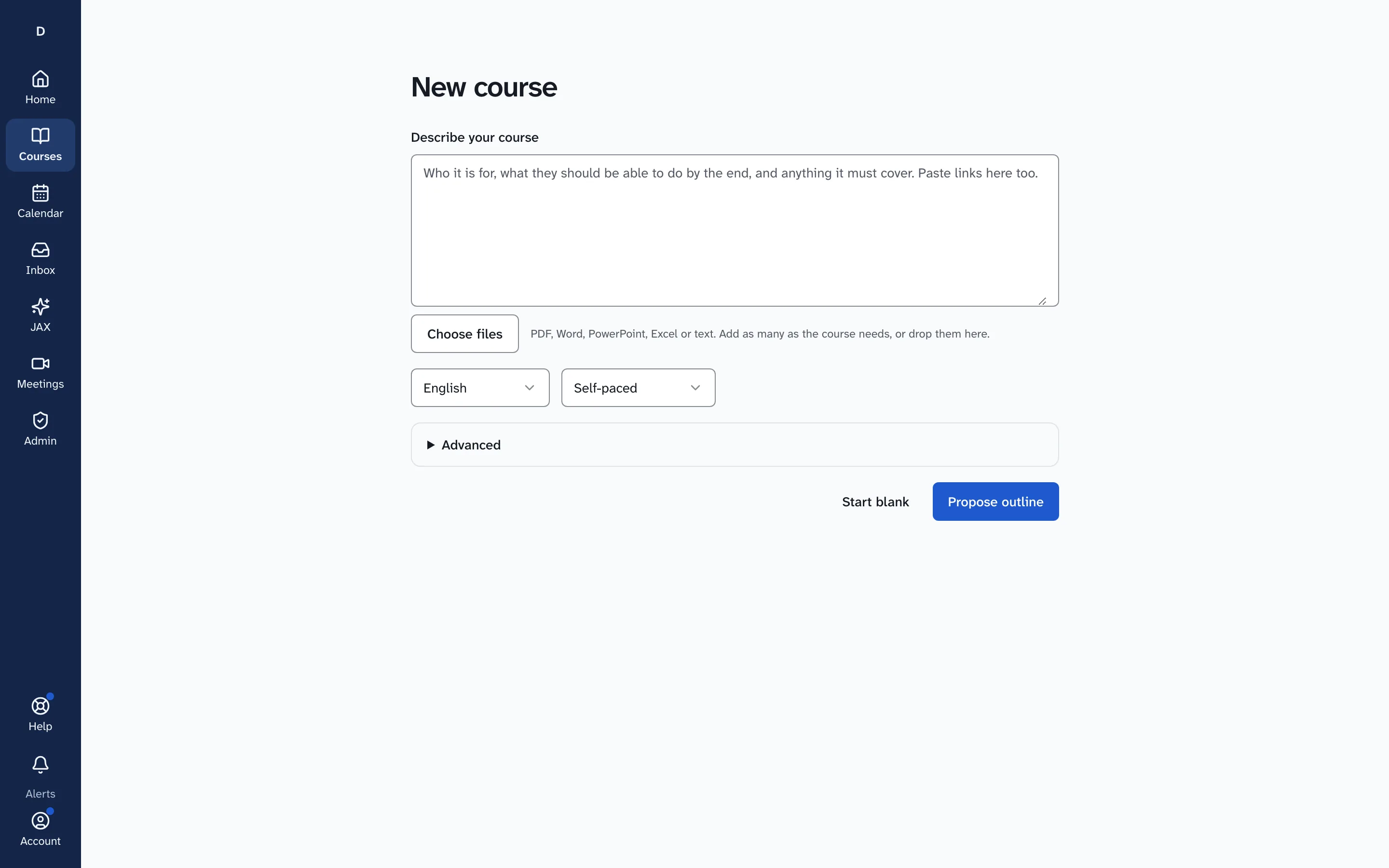
Start a new course
You name the course and choose how to build it, inside the same app your learners use.
Task 2 of 3
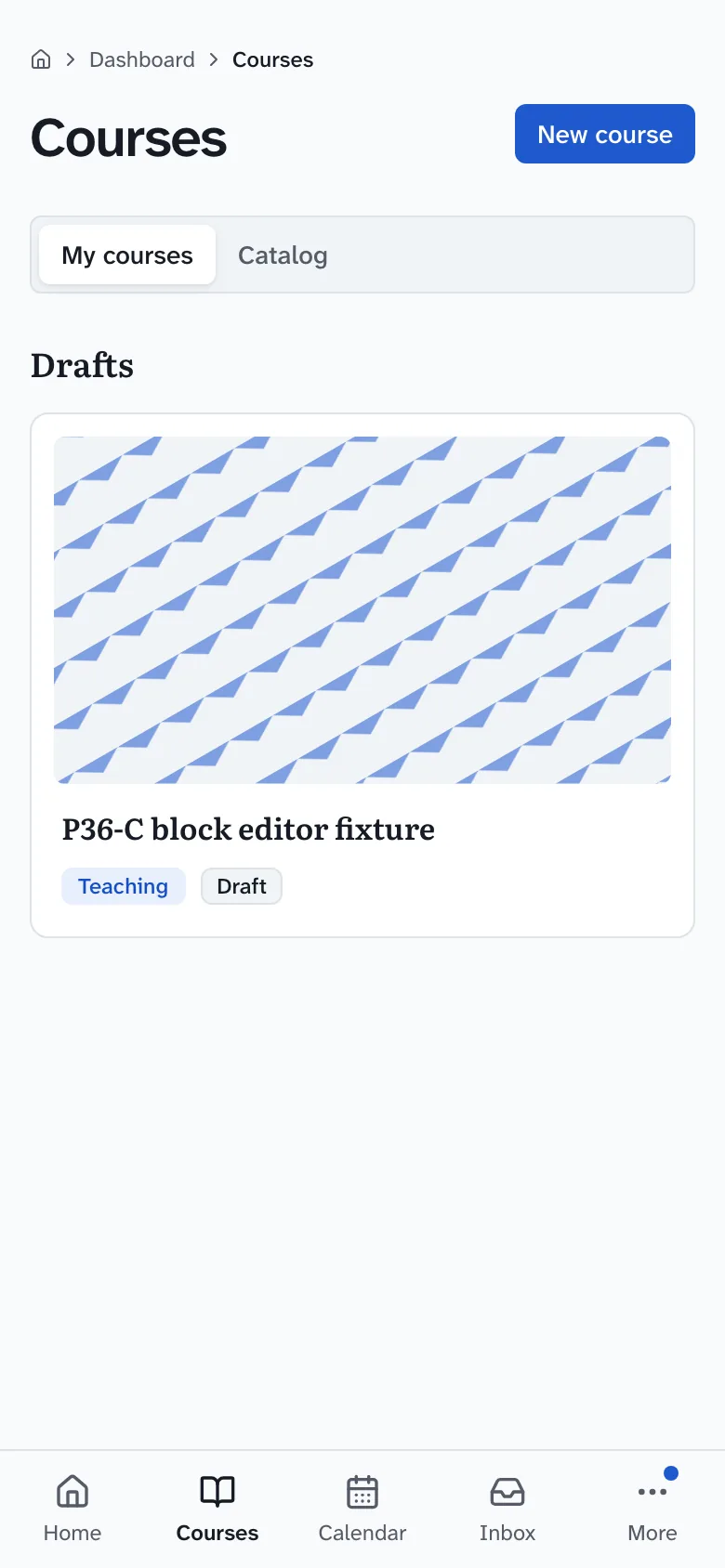
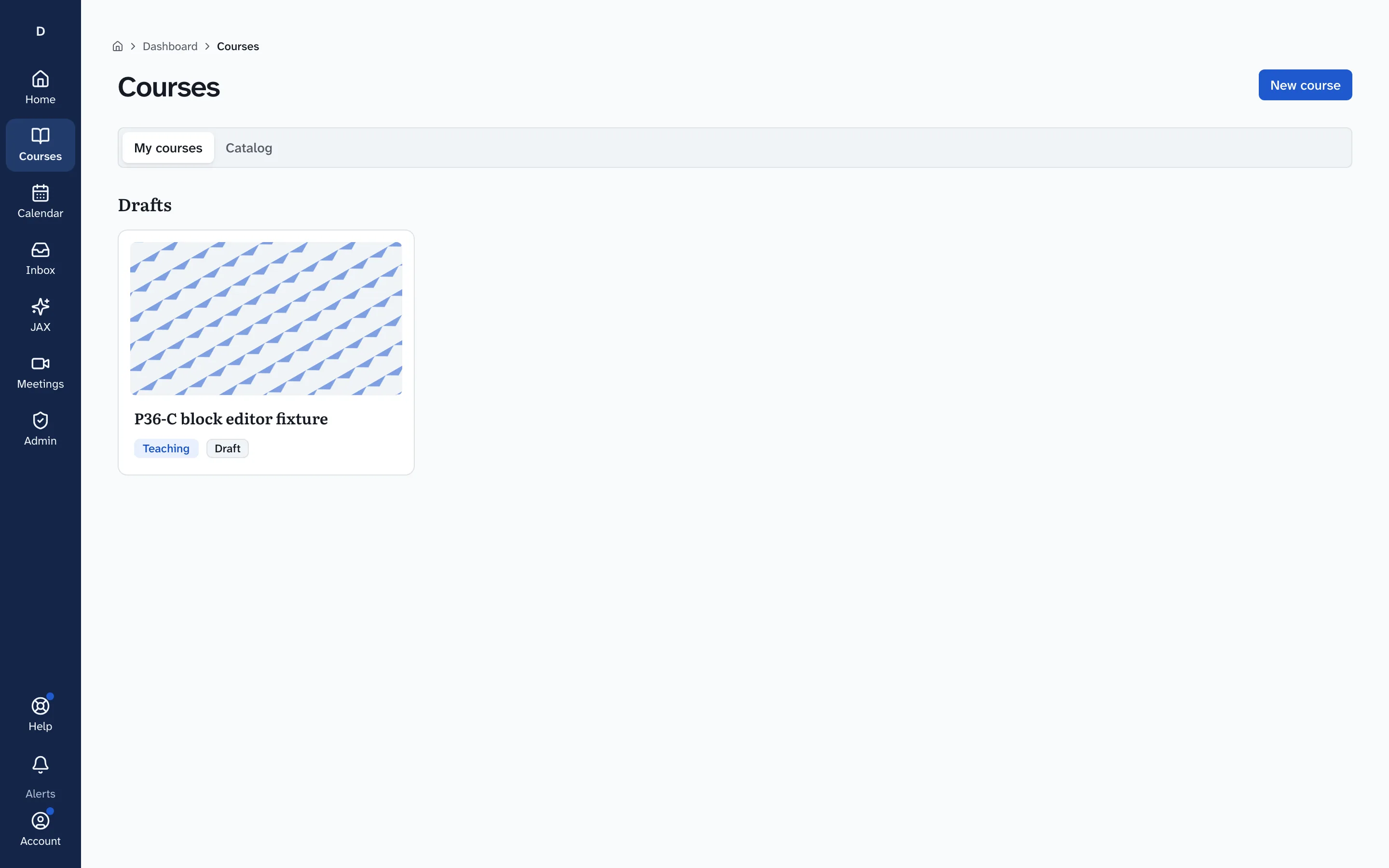
Keep every course you teach in one list
Your courses page lists the courses you teach, keeps drafts apart, and starts a new one from the New course button.
Task 3 of 3
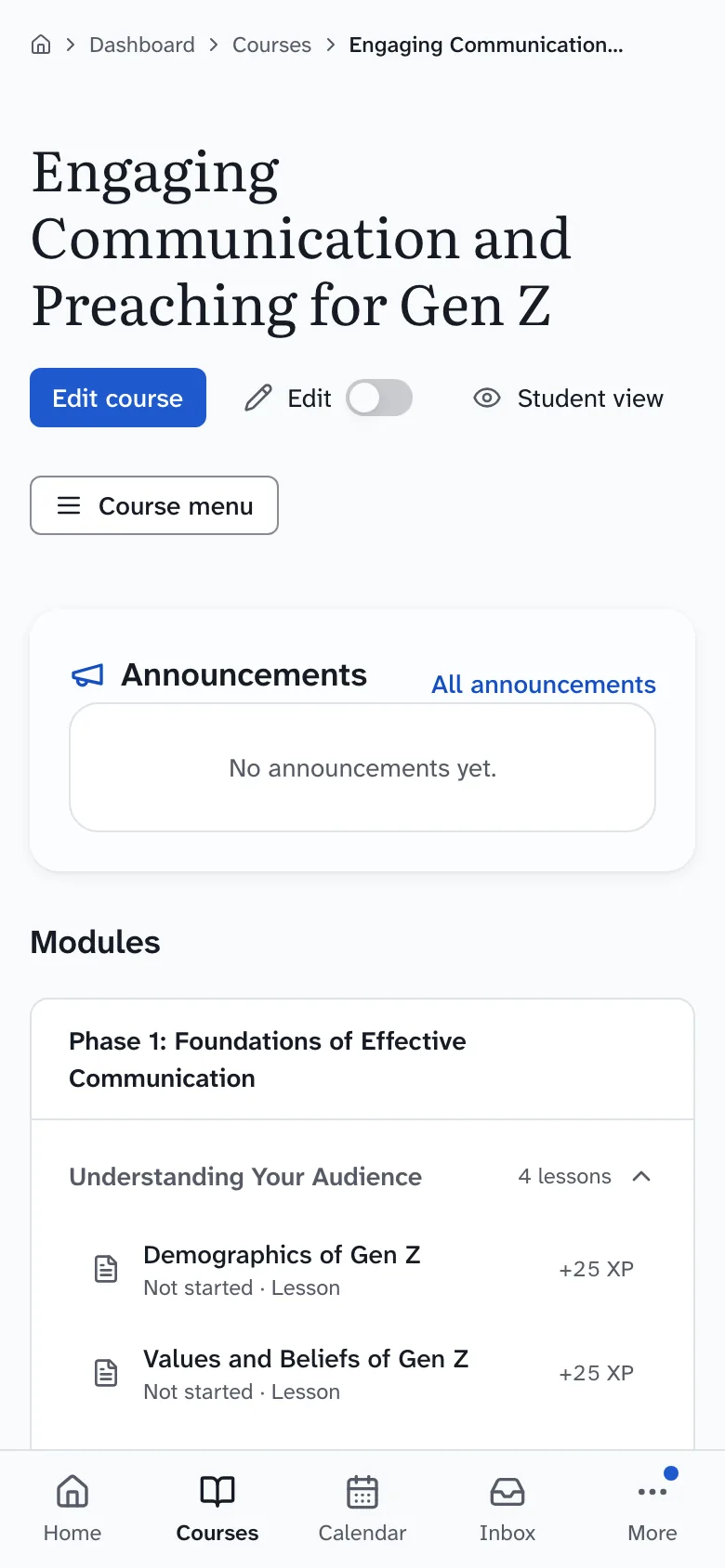
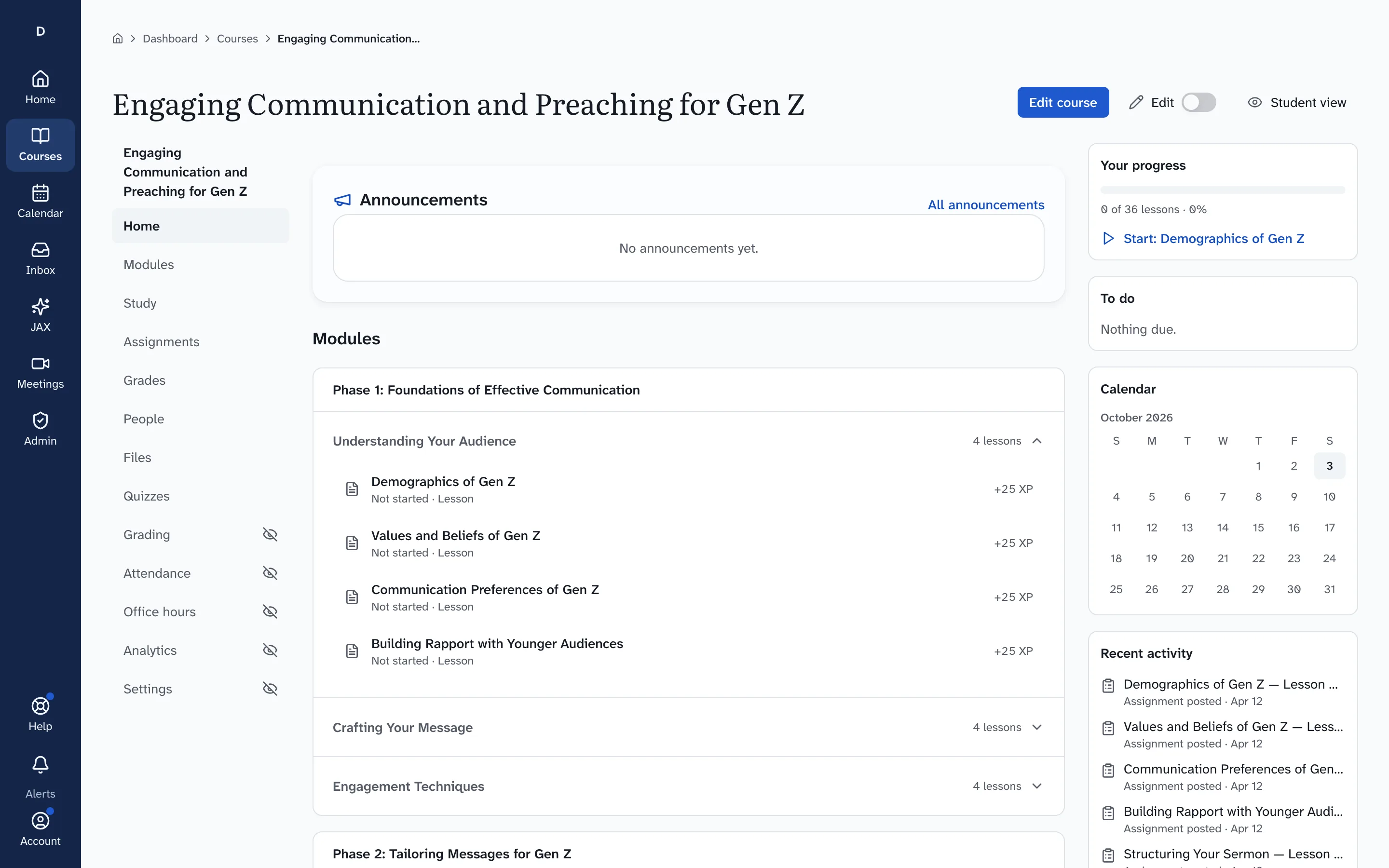
Run the course from its home
Each course has one home with its modules, the tabs for running it and a Student view to check what learners see.
What you need
- A Drivia Learn account; pricing shows which plans let you publish courses to learners.
- Your own course material: Drivia Learn gives you the builder, not ready-made content for your class.
- Learners join with their own accounts, by invitation or a class code you share.
Pricing
Plans list what each one includes before you pay anything.
See teacher plansYour data
Being an instructor or organization admin does not give anyone access to your JAX conversations. A parent of a child account can read them. A named safety reviewer, who may be an admin given that separate permission, can open one only to respond to a safety or support case or a legal hold. Every opening is logged, lasts 15 minutes, and shows in your JAX history.
Every row carries an organization id, and Postgres row-level security enforces that an organization reads only its own data.
Read how Drivia handles dataWant to see it end to end first? Take the five-step product tour.