Preparing your workspace
Drivia Learn
Learn with a course that keeps moving with you
Find a course, work through its lessons and ask JAX when you are stuck.
What you do in Drivia Learn
Task 1 of 3
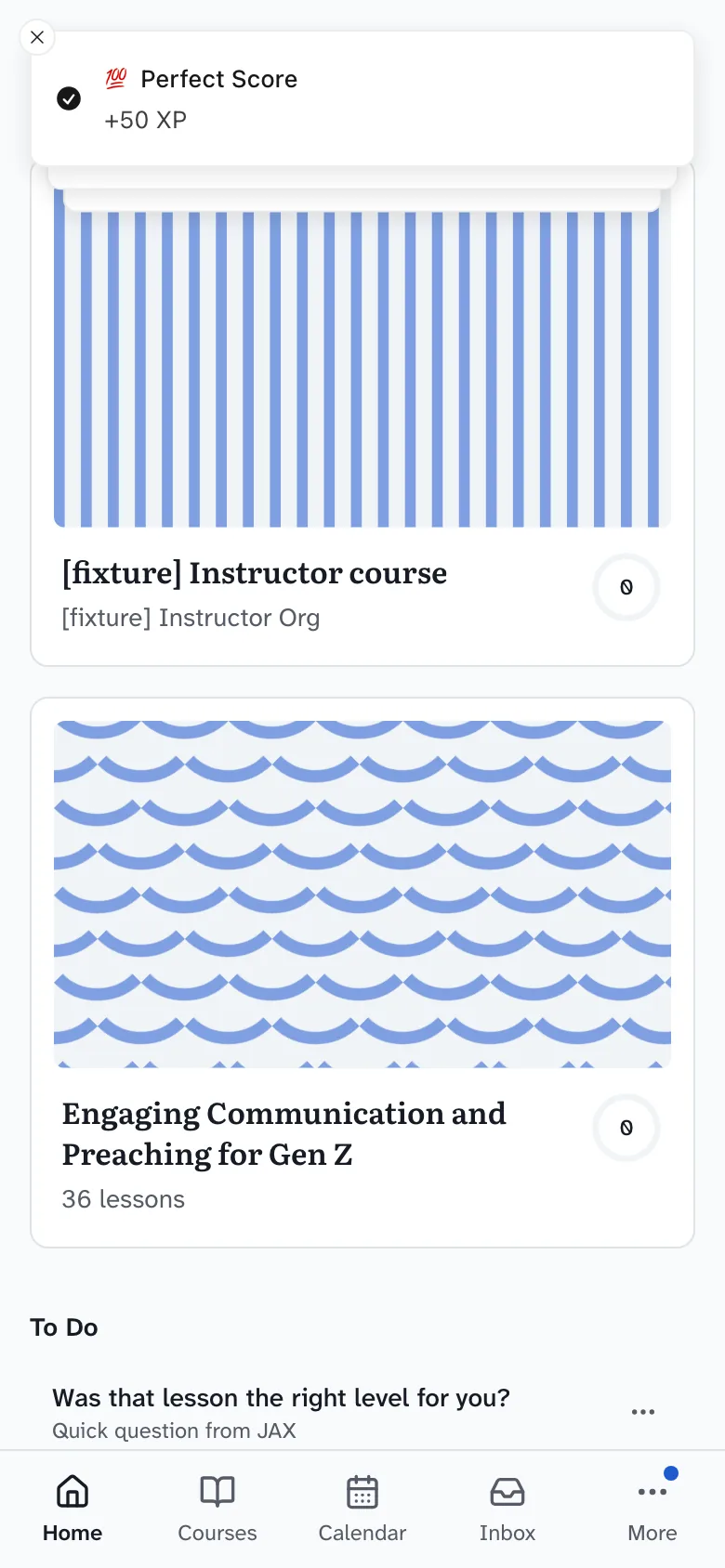
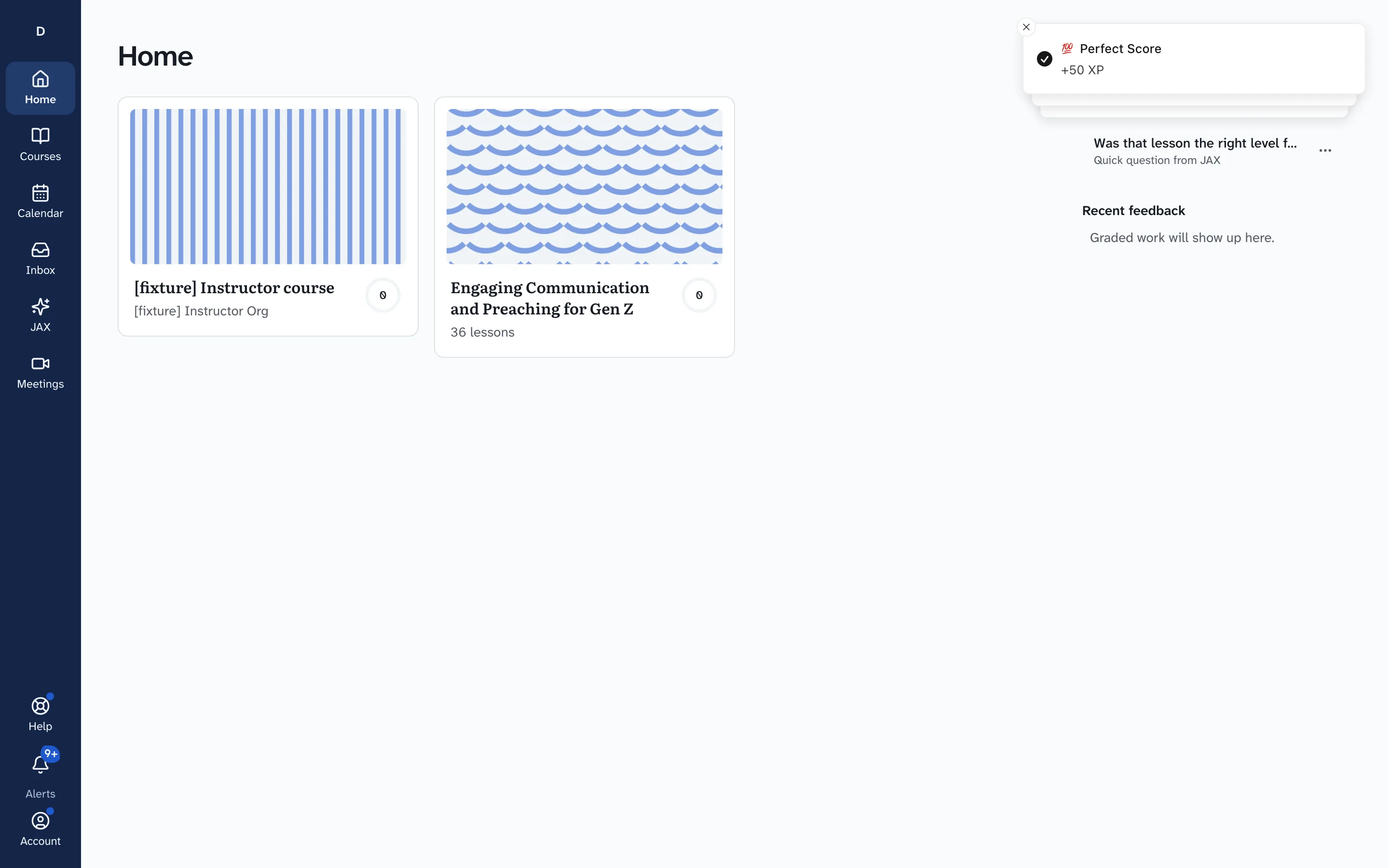
Pick up where you stopped
Your home shows the courses you are in and your recent feedback, so you can pick one up without hunting for it.
Task 2 of 3
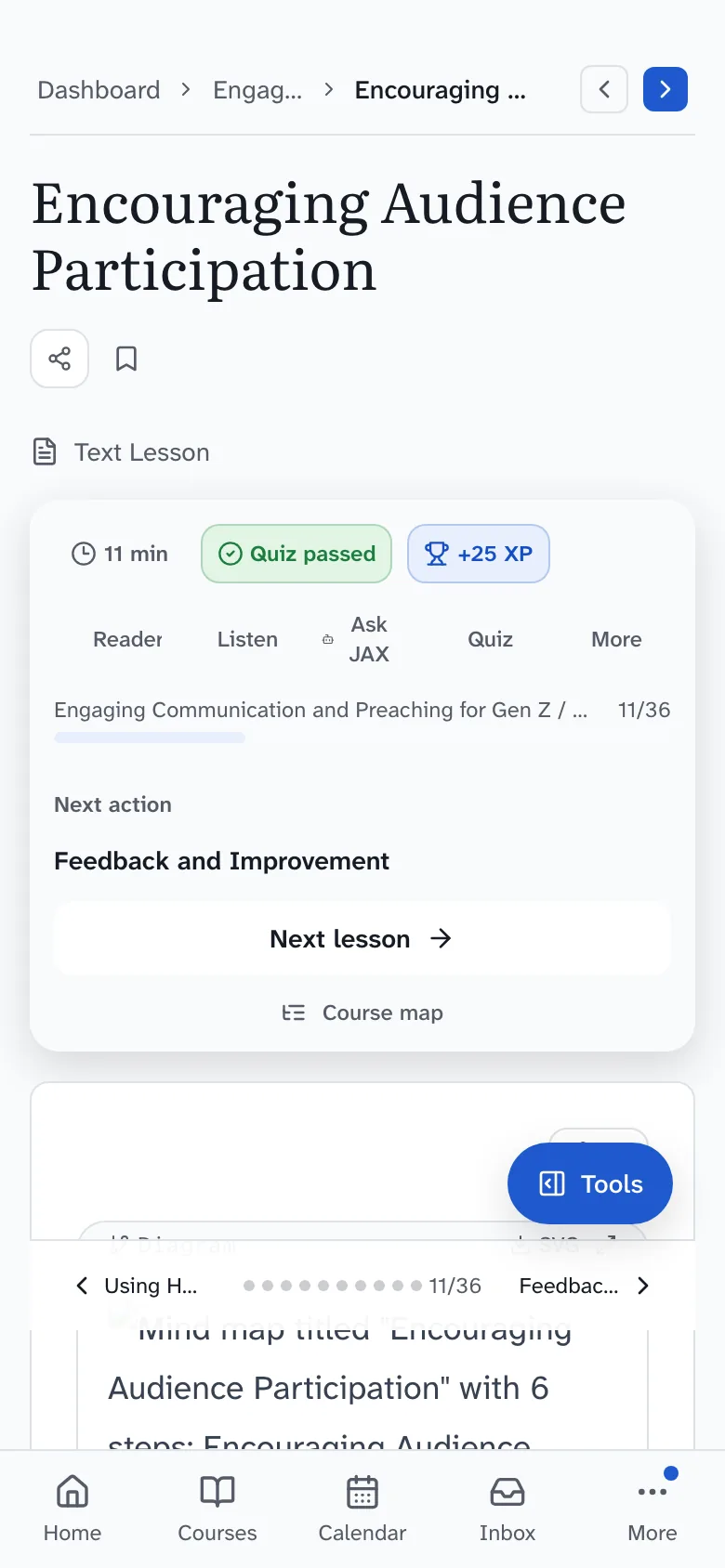
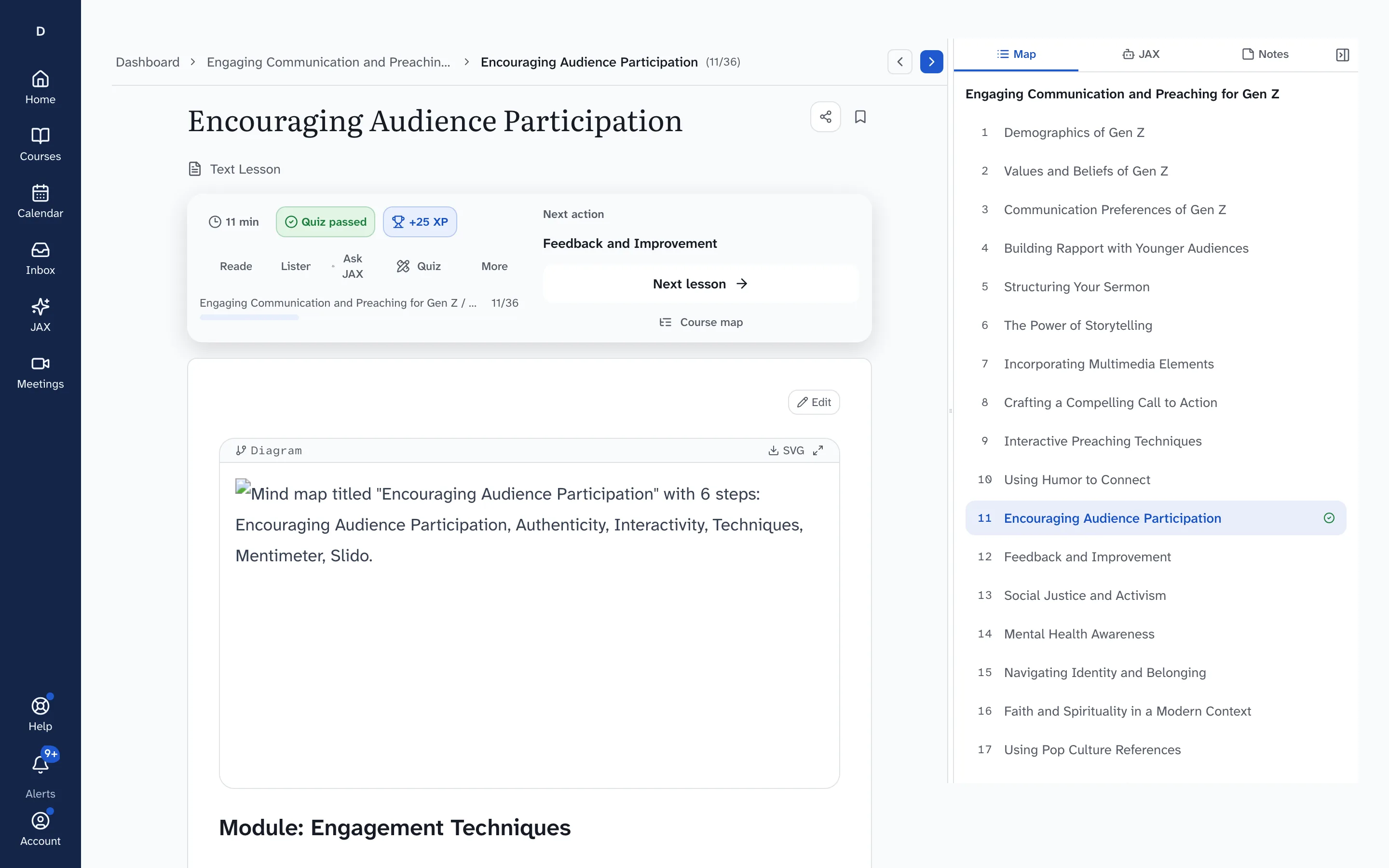
Read a lesson at your own pace
Each lesson opens with the course map beside it and a Next lesson button, so you always know where you are in the course.
Task 3 of 3
Ask JAX when you are stuck
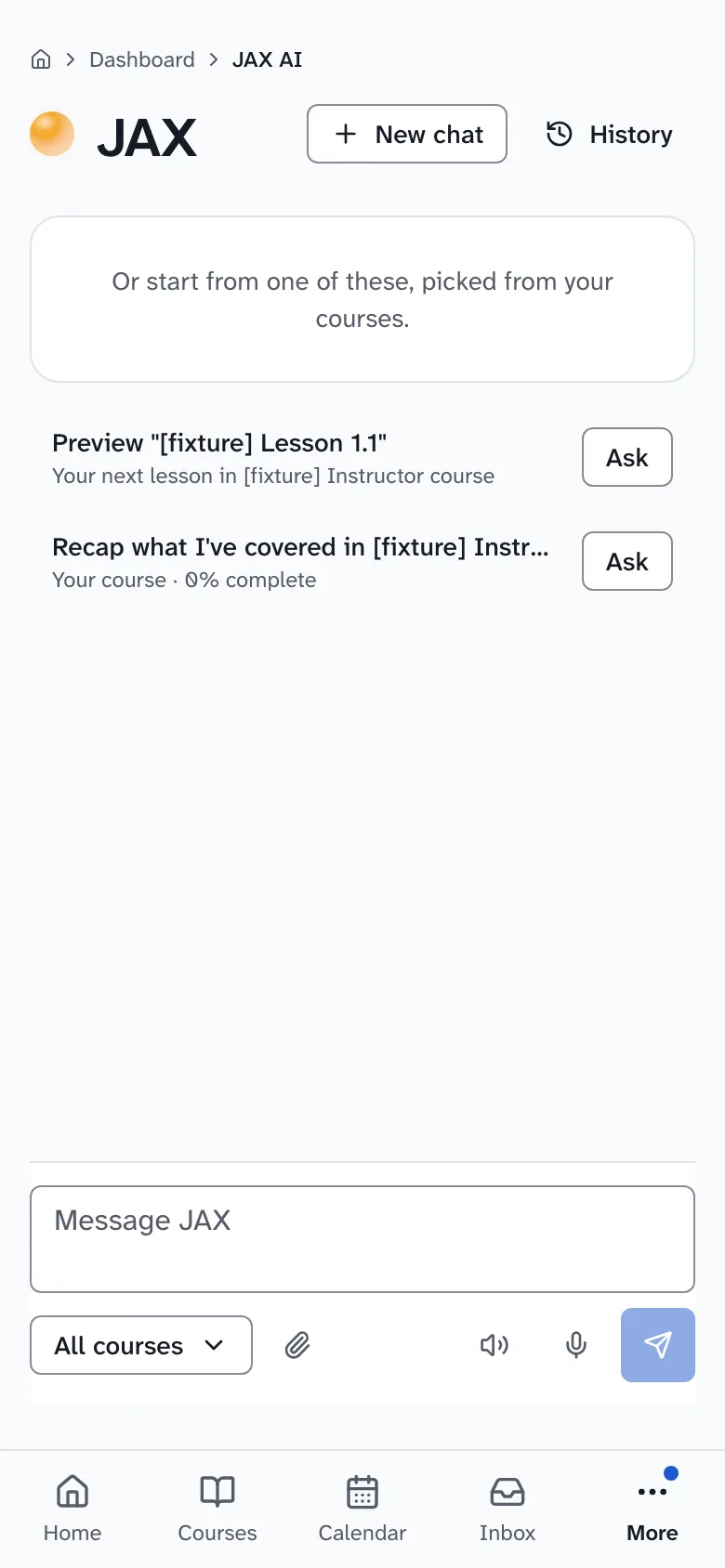
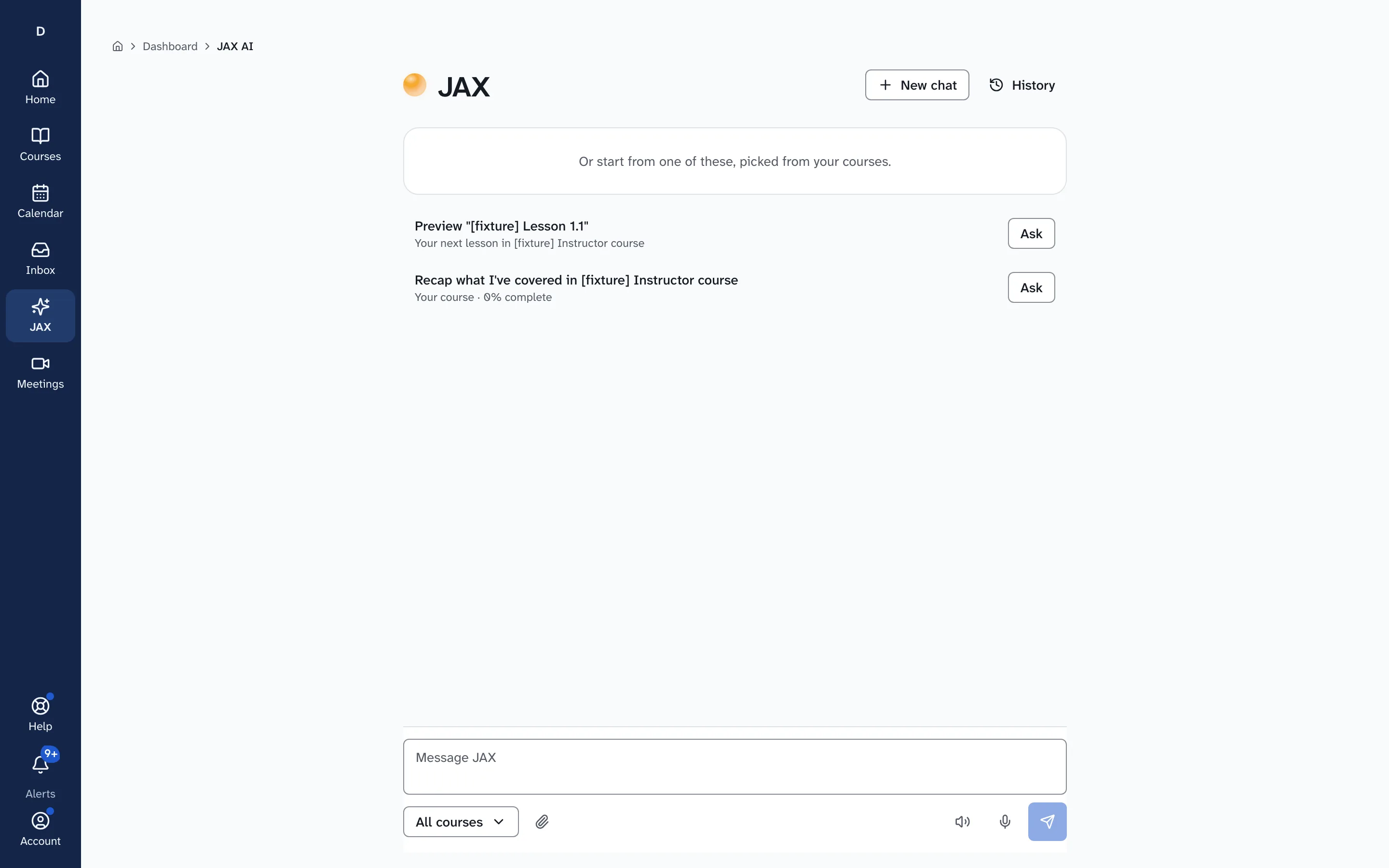
JAX, the tutor inside Drivia Learn, answers questions in its own chat page and suggests places to start from your courses.
What you need
- An email address to create your account.
- Drivia Learn is for people 13 and older. Kids accounts are not offered to the public today.
- A current web browser on a computer, tablet or phone. There is nothing to install.
- Asking JAX needs a paid learner plan; the free plan covers your courses and lessons.
Pricing
You can start on the free plan and upgrade from your account later.
See learner plansYour data
Being an instructor or organization admin does not give anyone access to your JAX conversations. A parent of a child account can read them. A named safety reviewer, who may be an admin given that separate permission, can open one only to respond to a safety or support case or a legal hold. Every opening is logged, lasts 15 minutes, and shows in your JAX history.
Read how Drivia handles dataWant to see it end to end first? Take the five-step product tour.